
Overview
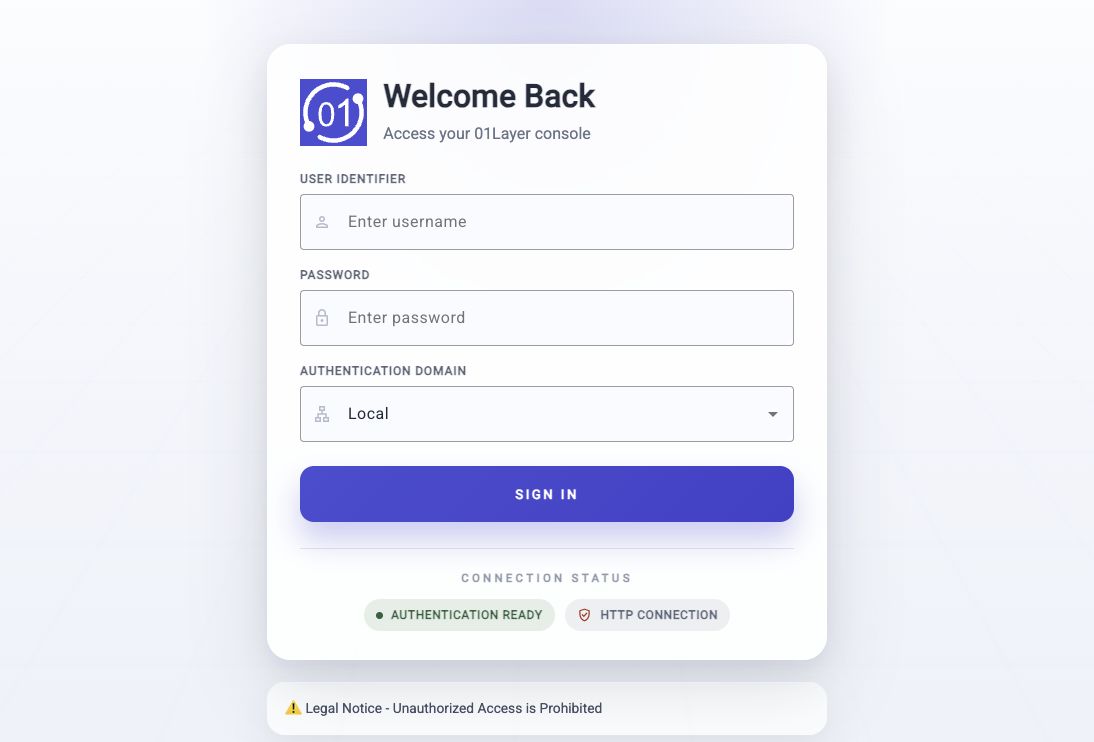
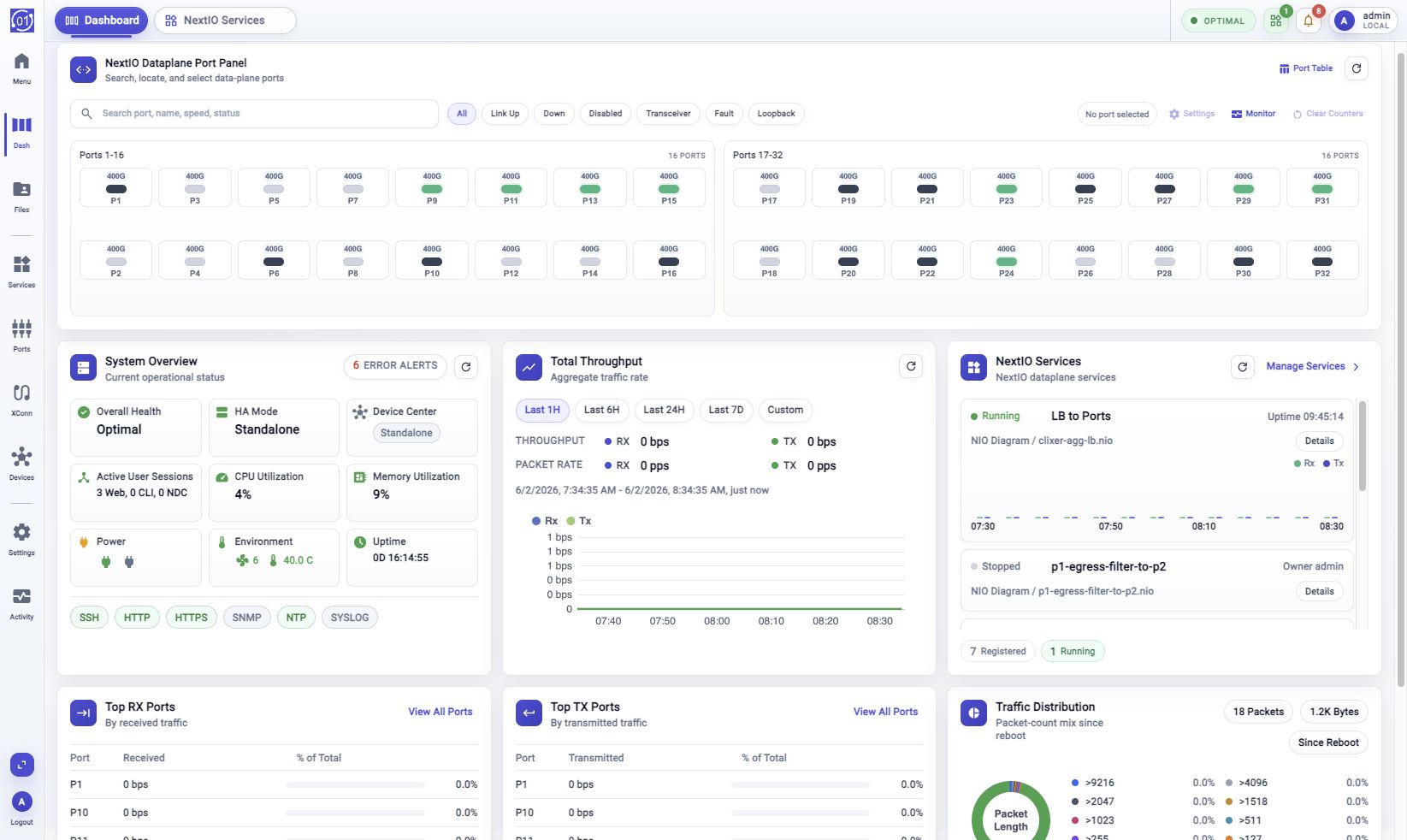
The login page authenticates access to the 01Layer Web UI. After successful authentication, the Web UI runs the readiness check and opens Dashboard. Logout ends the current web session and returns the browser to the login page.
Sign In
Use the login screen shown above to enter the Web UI.
- Enter User Identifier.
- Enter Secure Key or Password.
- Choose Authentication Domain.
- Click Sign In.
After sign-in, the Web UI may run a readiness check before Dashboard opens.
Logout
Logout is available from two places in the Web UI:
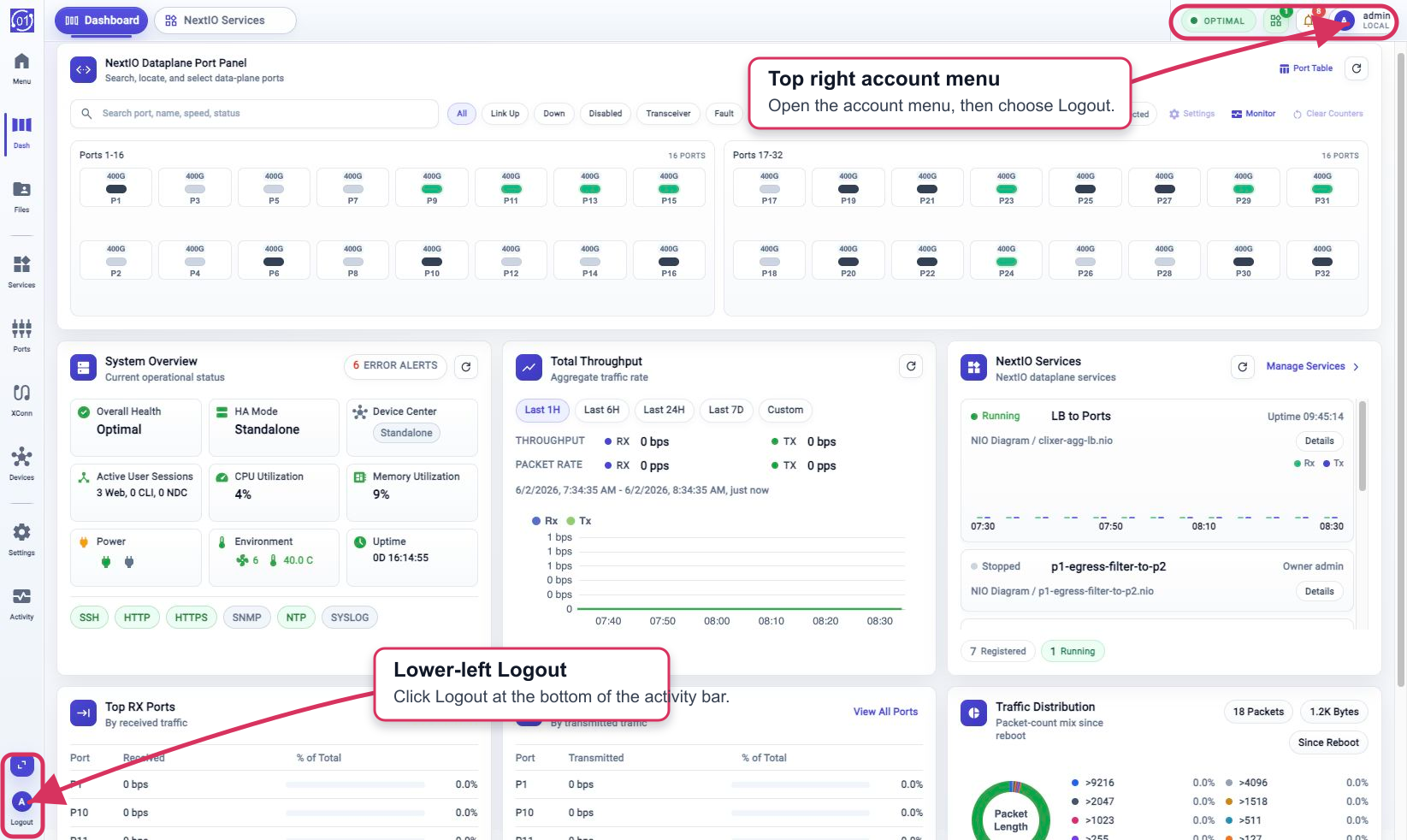
- In the top right, open the account menu from the user avatar or account name, then choose Logout.
- Or click Logout at the bottom left of the activity bar.
- The Web UI ends the current web session and returns to the login page.
After logout, use Sign In again to start a new session. If multiple browser tabs are open, refresh any remaining 01Layer tabs before continuing work.
Readiness Check
After sign-in, the Web UI may pause while the appliance finishes readiness checks.
- Review the startup status label and progress text.
- Click Refresh to re-check startup status.
- Click View Startup Logs when startup details are needed.
- If startup logs are shown, use the log refresh and copy controls as needed.
When the system is ready, the Web UI opens Dashboard. If the system enters degraded or recovery mode, a runtime notice can appear above the workspace. Use Boot Log from the notice when startup details are needed.
Troubleshooting
Login Failed
Verify User Identifier, Secure Key or Password, and Authentication Domain. If the account is locked or expired, use an administrator account or the CLI to review user and password policy.
Readiness Check Does Not Complete
Click Refresh and review View Startup Logs. If the system remains in waiting, degraded, or recovery mode, use Boot Log when available and check runtime services from the appliance console or CLI.
Related Tasks
- Use Dashboard for the appliance overview.
- Use Activity Monitor to inspect events, workflows, metrics, and system health.
- Use System Settings for configuration workflows.
- Use Device Center for member appliance monitoring.
- Use NextIO Services for dataplane service management.