

Application Msg BrokerAccepts the local application message

01LAYERTM OPERATING PLATFORM
One operating environment across FlowDirector, Service Node, and FlowMagic for consistent management, service design, and visibility operations.
Unified by 01LayerTM
01LayerTM is the intelligent unified operating platform that seamlessly integrates appliance control, advanced service design, high-performance traffic processing, real-time monitoring, and comprehensive audit-ready workflows — delivering one consistent, powerful experience across your entire ecosystem of FlowDirector, Service Node, and FlowMagic deployments.
Build Service and Analysis Flows from Modular Functions with Clarity, Speed, and Control.
The 01Layer Data Diode Solution is designed for security boundaries where information must leave a protected environment without creating a return communication path. Application-level message processing is terminated independently on each side of the boundary, while physical or logical enforcement permits traffic only in the approved source-to-destination direction.
Within the protected source zone, the Application Message Broker passes each accepted message to the DD Framer/Encryptor. The message is framed, fragmented, integrity-protected, and optionally encrypted before the DD Port or Virtual DD Port transmits it across the one-way boundary.
At the destination, a regular receive port forwards the packet stream to the DD DeFramer/Decrypter. The fragments are validated, decrypted when required, and reconstructed into the original message. The Application Message Sender then delivers the complete, validated message to the destination application. No acknowledgement, control session, or application-level return channel traverses the boundary.
The SYSLOG Collector & Message Broker turns high-volume site telemetry into local, queryable evidence before deciding what should leave the appliance. Its staged architecture keeps protocol handling, parser quality, storage pressure, and relay decisions independently observable.
Make Syslog locally useful before it becomes cloud storage cost. Keep immediate visibility and forensic evidence on-site, reduce WAN and SIEM volume, and forward only the events that need downstream processing.
Receive UDP, TCP, and TLS/mTLS on configurable ports with allowlists and connection limits.
Apply datagram, RFC 6587 octet-counting, LF, NUL, or CRLF message boundaries.
Extract RFC 5424 or RFC 3164 fields, with tolerant raw fallback and visible parse status.
Detect CEF, LEEF, JSON, key-value, and selected vendor profiles inside MSG.
Map canonical fields, enrich context, and apply filtering, routing, retention, and redaction.
Keep raw messages beside parsed columns, segment metadata, retention state, and hashes.
Expose search, SQL, dashboards, notebooks, export, and controlled forwarding.
Search by time, host, source, severity, facility, app, payload type, or parse status.
Inspect raw and parsed data side by side and retain parser provenance for reprocessing.
Store broadly on-site; relay only critical, normalized, or redacted subsets.
Standards-led intake keeps the collector interoperable; a hybrid embedded store makes the same events efficient to retain and fast to investigate on the appliance.
| UDP | RFC 5426 datagrams on configurable ports, including 514, with message-size controls and visible best-effort drop counters. |
|---|---|
| TCP | RFC 6587 octet-counting plus LF, NUL, and CRLF framing for field-realistic legacy senders. |
| TLS / mTLS | RFC 5425 on TCP/6514 with CA trust, server identity, optional client certificates, and separate TLS peer metadata. |
| Message envelope | Strict and tolerant RFC 5424 / RFC 3164 parsing with raw fallback, parse status, error code, parser name, and parser version. |
| Payload | CEF, LEEF, JSON-in-Syslog, key-value, and selected Palo Alto, Fortinet, Cisco ASA, F5, Linux auth, sudo, and sshd profiles. |
Raw and normalized stay side by side. The original message, SHA-256 hash, parser identity, ingest time, event time, transport source, and TLS peer identity remain available for validation and future reparse.
Start with the job to be done, then choose listeners, retention, dashboards, redaction, and relay policy as one repeatable FlowMagic service design.
01Layer Packet Deduplication removes repeated packet observations in-stream before they reach capture storage, analytics, or monitoring tools. Multiple visibility feeds converge on one component, which calculates a protocol-aware fingerprint, checks that identity against a bounded time-window database, and applies an explicit unique or duplicate verdict.
Packets from connected ingress pads enter the same deduplication pipeline. The engine reads the Ethernet and optional VLAN/QinQ context, parses IPv4 or IPv6 and TCP or UDP when present, applies the configured field masks, and includes the configured payload or fallback bytes in a compact dual-CRC fingerprint.
The fingerprint database records the first observation and its timestamp. A matching fingerprint that returns inside the configured window is classified as duplicate; an unseen or expired identity is classified as unique. Unique packets leave on the primary output. When a duplicate branch is connected, duplicate packets can be inspected there; with only the primary output connected, duplicates are discarded.
The v26.2 engine uses a protocol-aware L2-L4 plus payload profile. Operators control which transit-sensitive fields participate in identity, how much payload is sampled, how long an identity remains active, and how many fingerprint records the component can retain.
Frame length, destination MAC, source MAC, and VLAN/QinQ context can participate in or be excluded from the fingerprint.
IPv4 or IPv6 and TCP or UDP headers are parsed when present. IPv4 TTL and ToS and IPv6 traffic class can be masked when paths legitimately rewrite them.
The configured L5 sample strengthens common TCP and UDP identities. Separate fallback lengths cover unknown EtherTypes and unrecognized IP protocols.
The engine calculates a compact key from the selected packet fields, temporarily neutralizes masked fields while hashing, restores the packet unchanged, and tracks the packet's protocol classification.
Each unique observation stores its fingerprint and timestamp. A matching key inside the active window is classified as duplicate, while expired records are removed and current database occupancy remains visible.
Unique packets leave on output 1. Duplicates leave on output 2 when connected or are freed otherwise, while fingerprint, resource, and transmit failures are counted for operations review.
| Ingress and outcomes | Up to 32 input pads. Output 1 carries unique packets; output 2 carries duplicates when the duplicate branch is connected. |
|---|---|
| Detection window | 100 to 1,000,000 microseconds; 100,000 microseconds (100 ms) by default. |
| Fingerprint database | 10,000 to 1,000,000,000 configured records; 1,000,000 by default. Capacity contributes directly to system-memory allocation. |
| Fingerprint lengths | 8 to 12,000 L5 bytes; 16 by default. Unknown EtherType and IP-protocol fallbacks default to 48 and 32 bytes. |
| Field masks | Layer 2 header or selected DMAC, SMAC, VLAN/QinQ, and frame length fields; IPv4 TTL and ToS; IPv6 traffic class. |
| Engine counters | Unique and dropped-duplicate packets, fingerprint database size and entries, protocol classifications, malformed packets, out-of-memory and database-full events, drops, and transmit failures. |
| Failure posture | If a fingerprint cannot be produced or stored, the event is counted and the packet follows the primary path instead of being classified as a duplicate. |

The DD Framer/Encryptor converts each accepted application message into protected fragments. The DD DeFramer/Decrypter validates, decrypts, and reconstructs complete messages without acknowledgements or control traffic crossing the one-way boundary.
The Data Diode Sender accepts each application message from its upstream queue and converts it into a bounded, transmit-ready packet stream. It segments the message to the configured MTU, applies diode framing and integrity controls, encapsulates the fragments for UDP or ESP transport, and invokes encryption when enabled.
The Data Diode Receiver accepts only traffic that matches the configured UDP destination port or ESP SPI. It decapsulates and optionally decrypts the packet stream, validates the diode framing and fragment controls, reassembles complete messages within configured resource limits, and releases validated output to the downstream queue.
The sender and receiver operate without a cross-boundary acknowledgement or control session. Direction is enforced by an absent return fiber, a forward-only NextIO service edge, or both, while reply-dependent protocols terminate locally on each side of the boundary.
| Transport | Plain IPv4/UDP or ESP AES-256-GCM; optional 802.1Q VLAN tagging. |
|---|---|
| Framing | Version 1, 56-byte diode header with stream/message identity, fragment map, timestamp, flags, and header CRC32C. |
| Configured bounds | 512–9,216 byte output MTU; 64 KB–4 MB message profiles; up to 65,535 fragments per message. |
| Failure posture | Oversize, malformed, CRC-failed, replayed, overlapping, timed-out, or resource-constrained work is rejected and counted. |
| Observability | Message, byte, fragment, drop, CRC, timeout, queue, control, and cryptographic counters are exposed per component. |

Cloud networks do not expose a removable Tx/Rx fiber pair. Place DD Sender and DD Receiver in separate trust zones, allow only source-to-destination traffic, and align routes, security policy, and the NextIO service graph so no reverse edge exists.
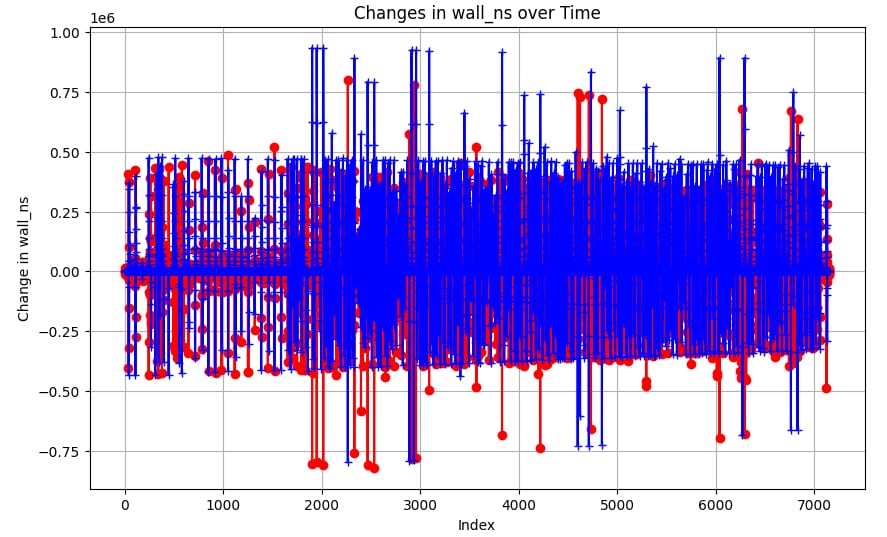
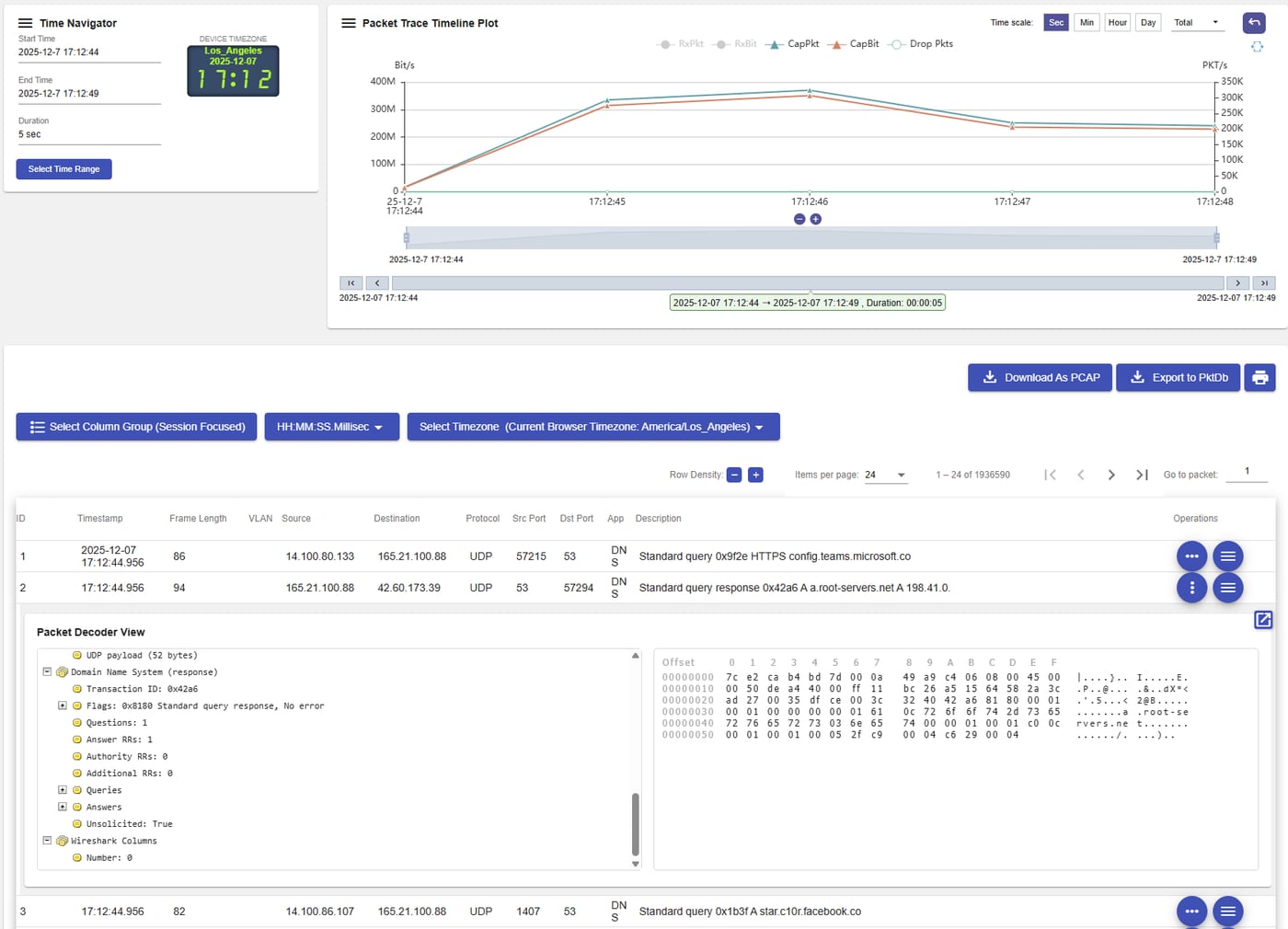
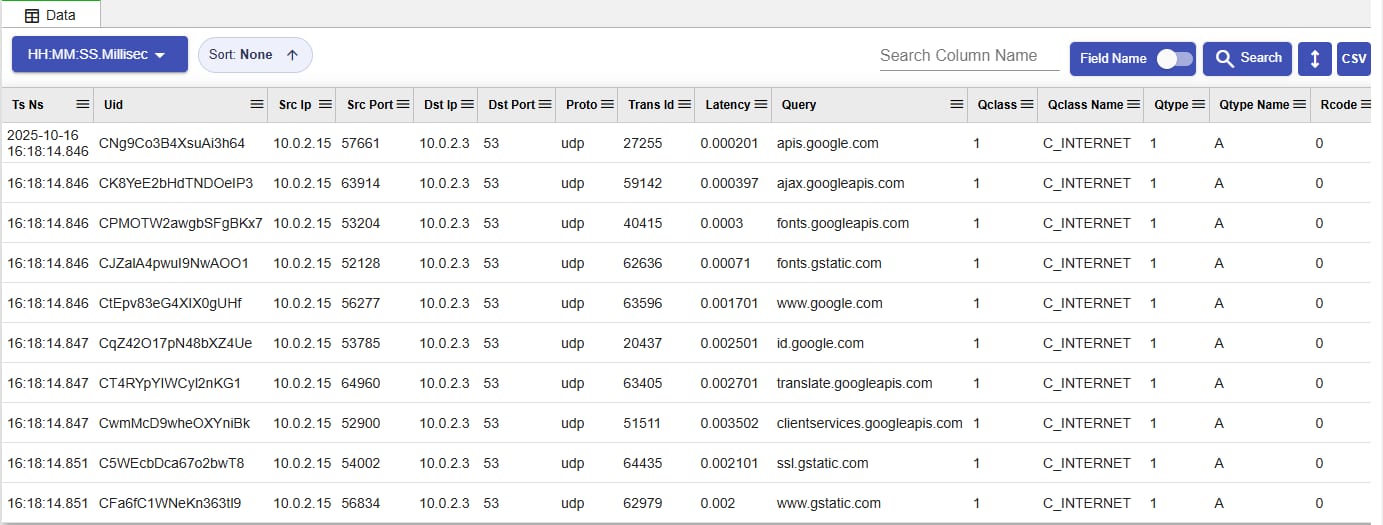


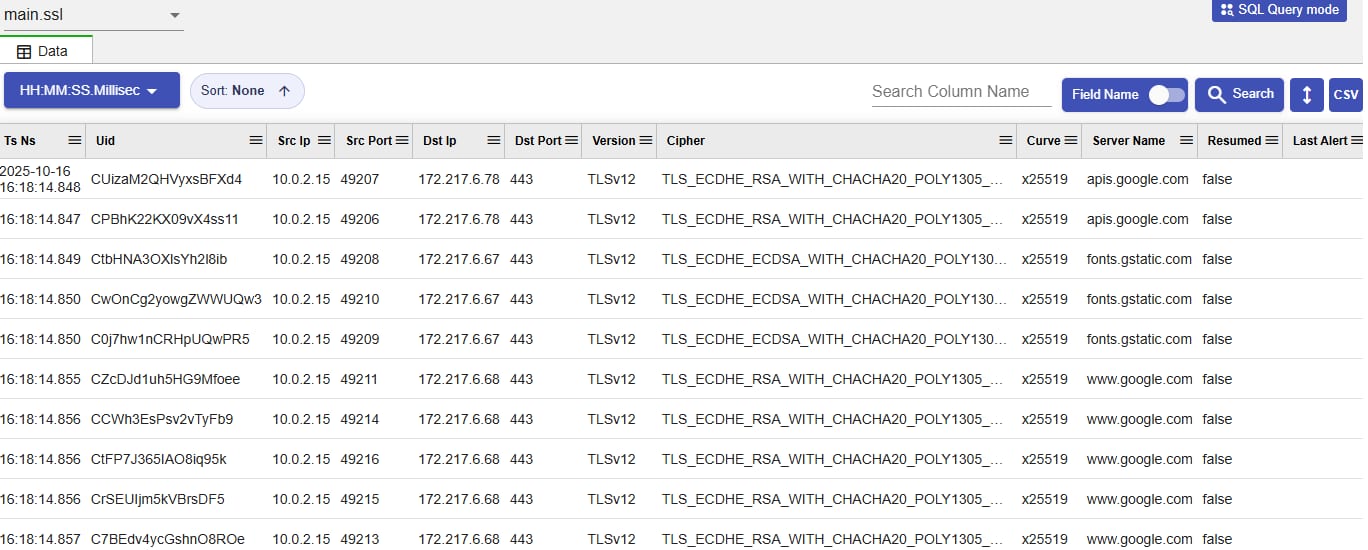

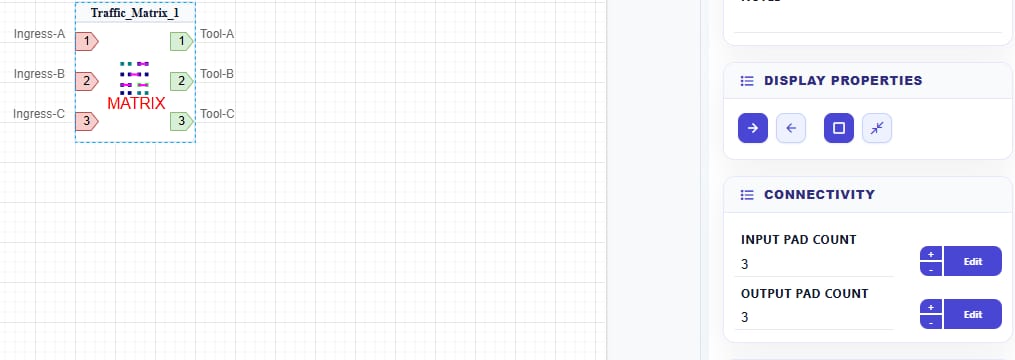
This shared reference summarizes the common property groups that appear across NextIO components: identity, display behavior, and pad connectivity.
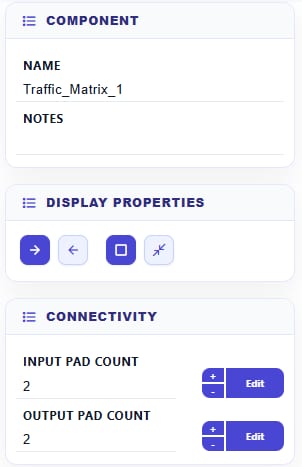
Display Properties change how the component is drawn on the canvas for service review and documentation. They do not change packet processing behavior.
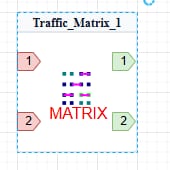
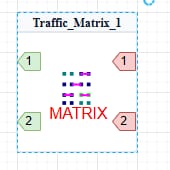
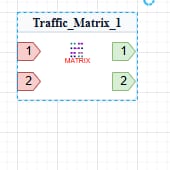
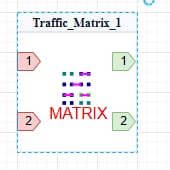
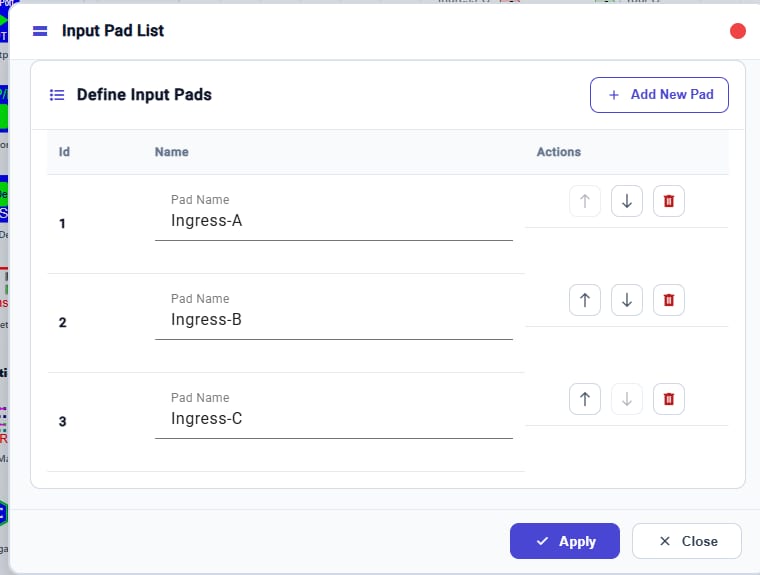
Use the + control to add another numbered input or output pad. The Edit control beside each count opens the matching pad-list editor, where users can name pads, reorder pads, delete entries, then apply or close the dialog.
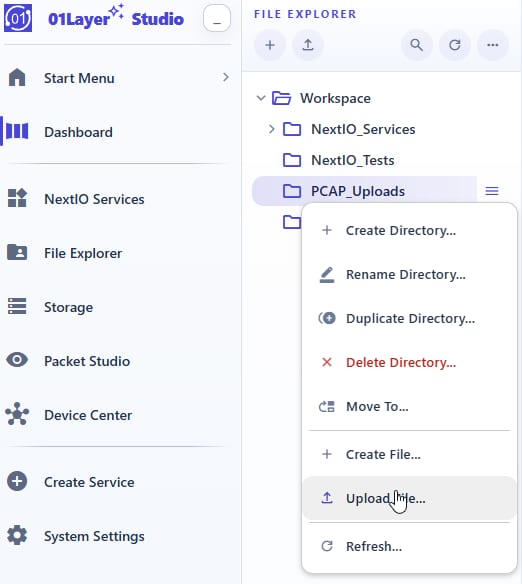
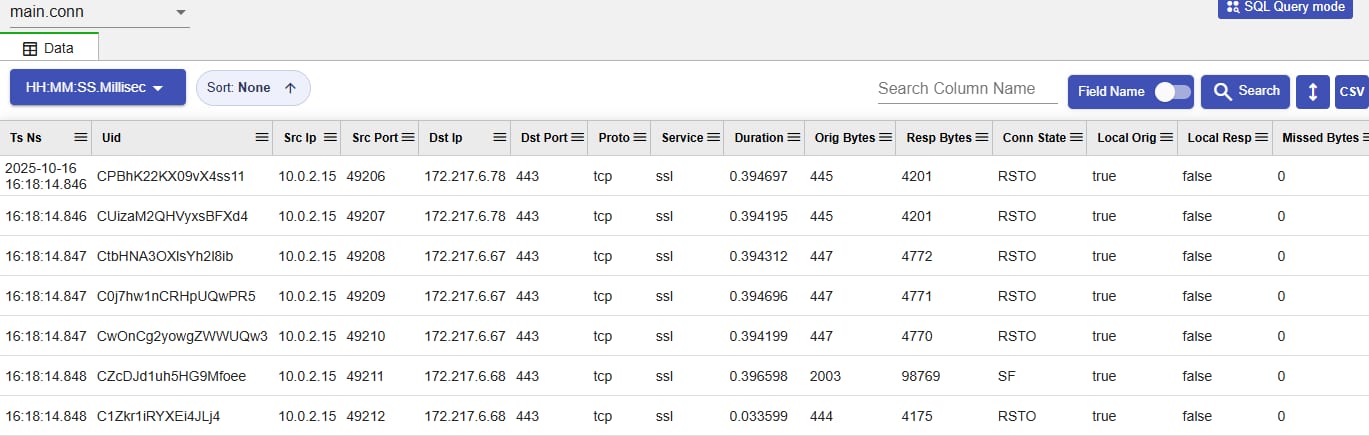
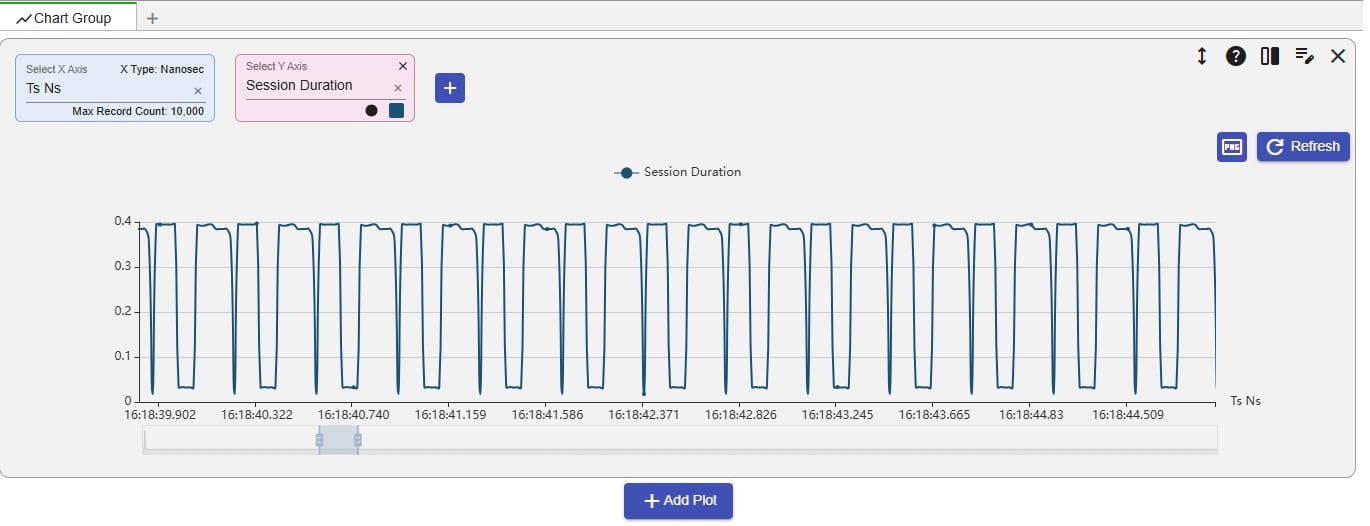
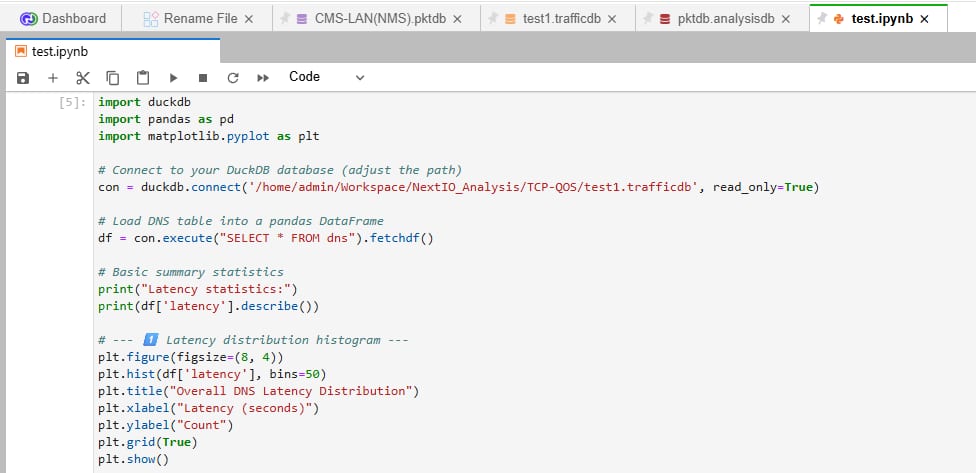
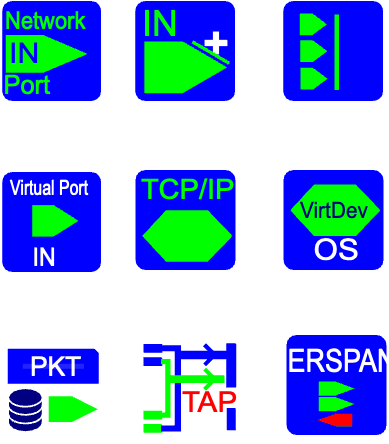
01LayerTM makes packet services easier to create by turning sources, processing functions, and destinations into connected building blocks. The same model supports troubleshooting, validation, monitoring, replay, and analysis workflows.
Bring traffic into the service canvas from physical ports, port groups, bonded links, OS devices, virtual interfaces, PCAP files, and TAP sources. Each source enters the same flow model, so live traffic and recorded traffic can be designed, validated, and reused consistently.
Drag NextIO components onto the canvas, connect each node to form full packet processing data path. 01Layer's Flow-Based Service Design Environment turns complex into an intuitive visual experience, delivering instant validation, zero errors, and production-ready services in minutes with total confidence.

01LayerTM helps teams reuse the same flow-based method for packet brokering, capture, replay, filtering, analysis, and validation instead of rebuilding each workflow from scratch.
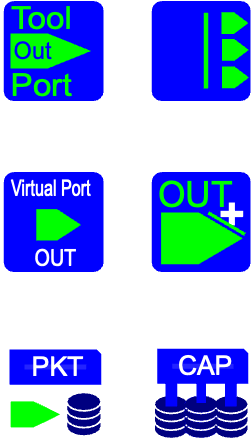
Route results to egress ports, tool groups, OS interfaces, virtual devices, PCAP files, or serial TAP workflows from the same service definition.
DiscoverConfigureConfirm

01LayerTM unifies the same operational model across the visibility stack.
Core capabilities shared across appliances and deployment types.
Workflows and feature sets tailored to each product family while preserving a common operating model.
FlowMagic Visibility Studio extends 01LayerTM with generation and validation tools for test-driven operations.
FlowDirector extends 01LayerTM with high-throughput packet broker operations and unified SPAN/ERSPAN capture architecture.
Work with Infinicore engineering to map 01LayerTM capabilities to your FlowMagic and FlowDirector deployment goals, or open the user manual for operator workflows and system-management references.


