
Overview
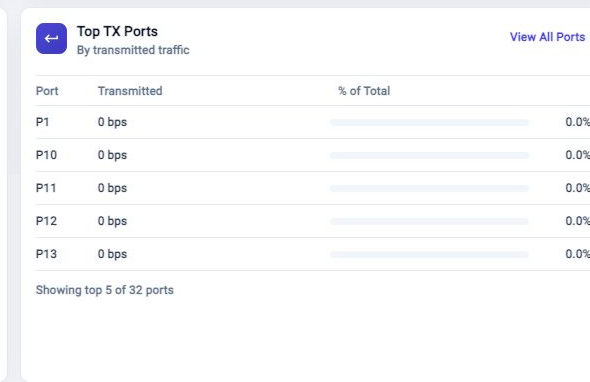
The Top TX Ports card ranks ports by transmitted traffic. Use it when you need to understand which output ports are carrying the most traffic.
Read The Card
The card lists the busiest transmit ports and shows each port's percentage of total TX traffic. A high percentage on one port means transmitted traffic is concentrated there.
Click View All Ports when you need the full port list rather than the top five.
Troubleshooting
No TX Samples Appear
Confirm traffic is present and that per-port samples are being collected. Use Metric Browser if the Dashboard summary does not explain the missing data.
TX Ranking Looks Different From Expected
Refresh the Dashboard, then compare with Top RX Ports and Total Throughput. The cards summarize different sides of traffic flow.
Related Tasks
- Use Total Throughput to compare aggregate RX and TX traffic.
- Use Top RX Ports to compare received traffic.
- Use Metric Browser for detailed port counters.